
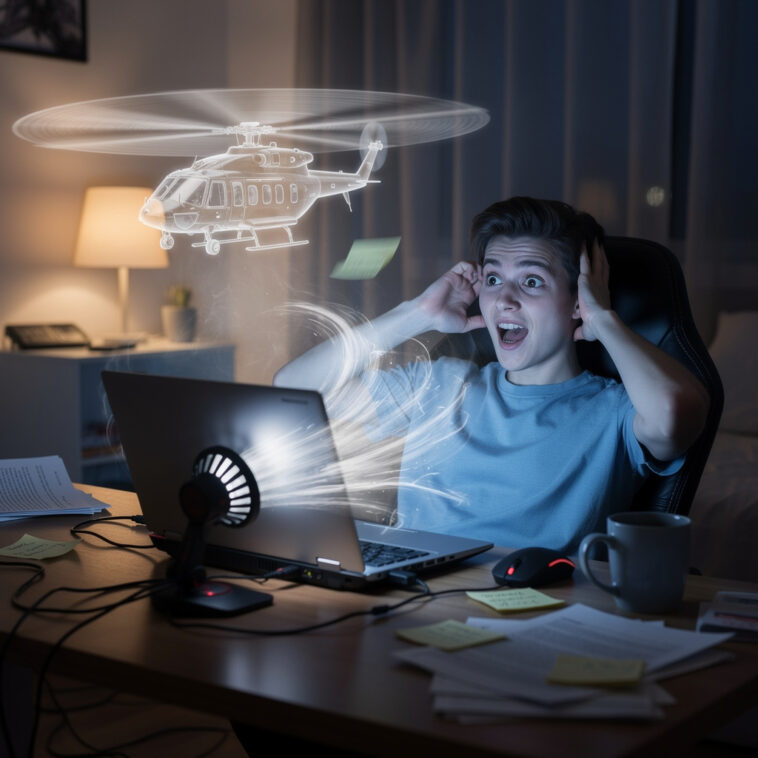
Every laptop begins life the same way.
Quiet.
Elegant.
Professional.
You open it gently in public and think:
“Wow. Technology.”
Then a few years later…
you open three browser tabs and suddenly:
WHRRRRRRRRRRRRRRR
Your laptop sounds ready for takeoff clearance.
Phase 1: The First Suspicious Noise
At first, it’s subtle.
A tiny hum.
You ignore it.
Then it grows louder:
- slightly aggressive
- emotionally unstable
- concerningly aerodynamic
You look at the laptop like:
“Why are you breathing heavily?”
Phase 2: The Overreaction Event
You open:
- one video
- two tabs
- maybe a document
Your laptop reacts like you asked it to simulate the entire universe.
The fan activates with the energy of:
- industrial machinery
- airport equipment
- or a spacecraft preparing for launch
Meanwhile you’re just checking email.
Phase 3: The Public Embarrassment
This always happens in quiet places.
Libraries.
Meetings.
Classrooms.
Everyone is silent…
then suddenly your laptop announces:
“WE ARE REACHING CRITICAL TEMPERATURES.”
Heads turn.
People become concerned.
Someone probably thinks you’re mining cryptocurrency under the desk.
Phase 4: The Laptop Temperature Crisis
Now the keyboard feels:
- warm
- hotter
- legally volcanic
You touch the bottom of the laptop and immediately understand how toast feels in a toaster.
At this point, the laptop is no longer electronics.
It is a space heater with Wi-Fi.
Phase 5: The Performance Paradox
The funniest part?
Despite sounding like a helicopter…
the laptop is still slow.
You hear maximum fan speed but minimum productivity.
The device is making dramatic effort noises while struggling to load a PDF.
Incredible teamwork.
Phase 6: The Emergency Shutdown Fear
Once the fan gets loud enough, paranoia begins.
You start wondering:
- “Is this normal?”
- “Should smoke be involved?”
- “Why does it smell slightly emotional?”
Every tiny freeze feels like the beginning of the end.
Phase 7: The DIY Cooling Solutions
Now you become an engineer.
Possible solutions include:
- lifting the laptop slightly
- blowing air at it like that helps
- closing tabs you emotionally needed
- pretending the problem is “dust” and not age
You whisper:
“Come on buddy…”
like the laptop is fighting for survival in a movie scene.
Phase 8: The Random Recovery
Then somehow…
after sounding like a jet engine for 20 minutes…
the fan suddenly calms down.
Silence returns.
The laptop acts like nothing happened.
No explanation.
No apology.
Just emotional damage.
Final Truth
Laptop fans are not cooling systems.
They are dramatic warning systems designed to remind you:
- your device is tired
- your tabs are excessive
- and technology is only pretending to stay calm
And somewhere right now…
someone opened a fourth Chrome tab…
and accidentally activated aircraft mode.